Introduction
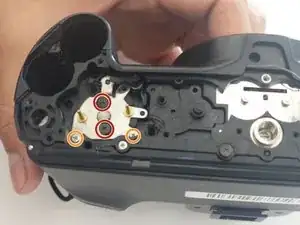
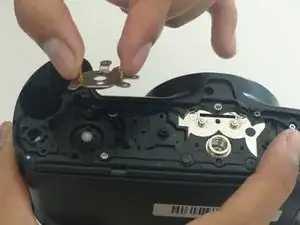
This is a necessary procedure for replacing certain parts on the bottom of the Canon EOS Rebel XS 35mm camera (after removal of the bottom cover). This guide details how to remove the these parts and put them back in, whether they're the same parts now fixed, or a new parts. The parts include two small metal plates, washers, screws, and gears.
Tools


-
-
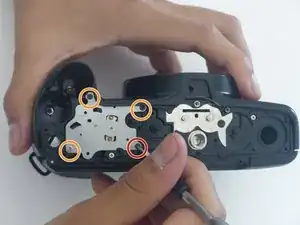
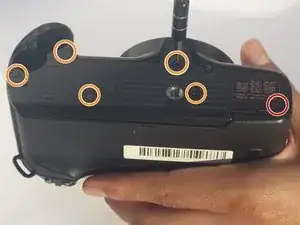
Use a Phillips #000 screwdriver to remove the six screws from the base of the camera.
-
Use a Phillips #000 screwdriver to remove the 7 mm screw.
-
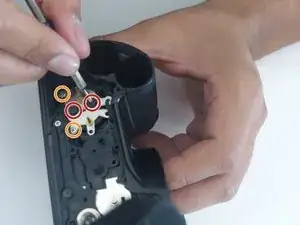
Use a Phillips #000 screwdriver to remove the 7 mm screw and the five 4 mm screws.
-
-
-
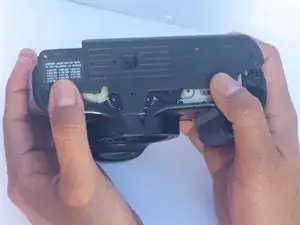
Use a Phillips #000 screwdriver to remove the six screws from the base of the camera. Then, push the bottom cover toward the back of the camera with your fingers until it clicks and separates.
-
-
-
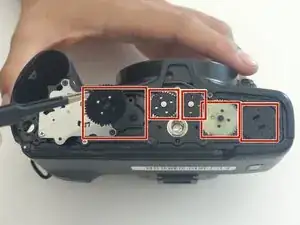
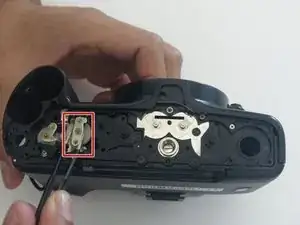
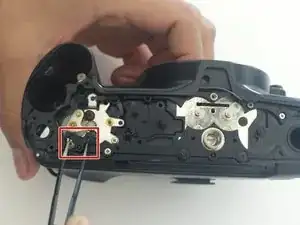
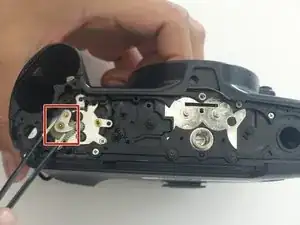
Using tweezers or your fingers, carefully remove the five gears and set them aside temporarily.
-
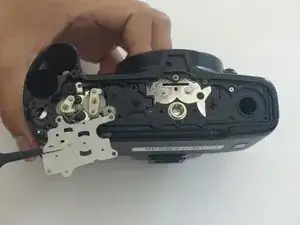
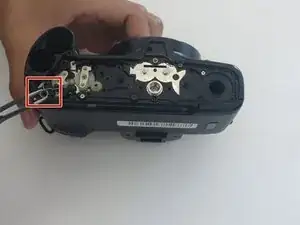
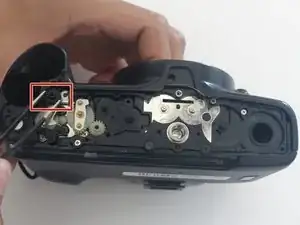
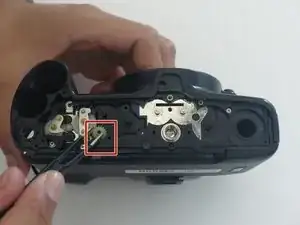
To reassemble your device, follow these instructions in reverse order.
