Introduction
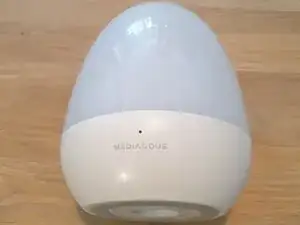
My brother has this egg and by falling many times the touch function broke. That was the reason to disassemble it and take a closer look.
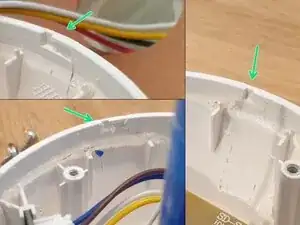
The cause for the defect was the loosening of the battery adhesive from the bottom, which caused the battery to come loose and it ripped the wire for the touch function.
Tools

-
-
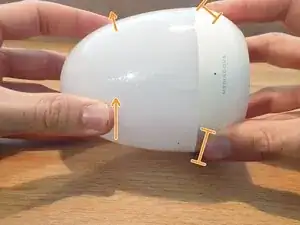
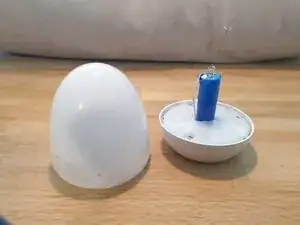
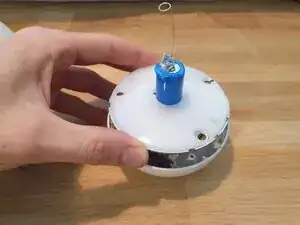
Hold the lower part with one hand and turn the upper part - the luminous screen - counterclockwise to unlock the bayonet lock.
-
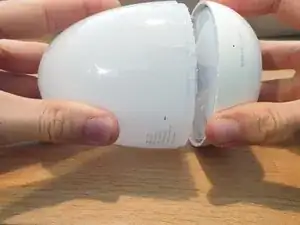
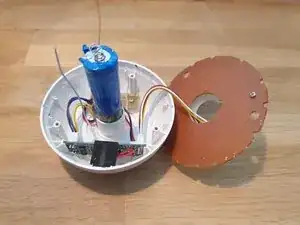
Lift the luminous screen and remove it.
-
-
-
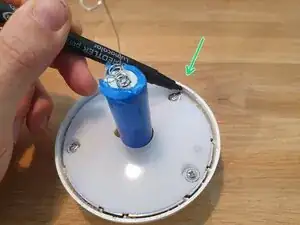
Use a pen to mark the position of the bulb on the base. The bulb already has an arrow sticker.
-
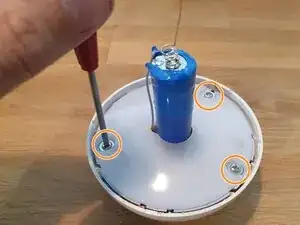
Remove all three screws using a Phillips screwdriver.
-
-
-
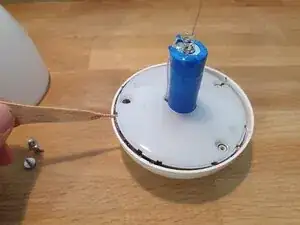
Use a spudger to lift the bulb so that you can grasp the bulb with your fingers.
-
Carefully lift the bulb over the battery and set it aside.
-
-
-
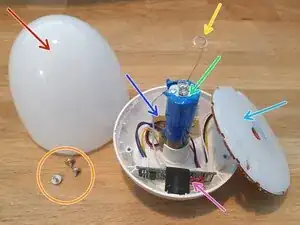
luminous screen
-
3x Phillips screw
-
antenna for touch function of the luminous screen
-
battery
-
LED bulbs
-
circuit board with press button
-
main circuit board
-
Reverse the steps to reassemble your device.