Introduction

  1. qZeYcTh3JwD6EObN
    qZeYcTh3JwD6EObN
    UAOTlCVRXg4HAHFn
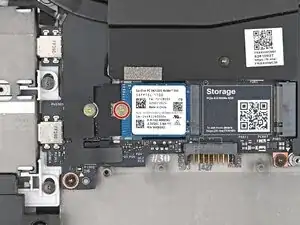
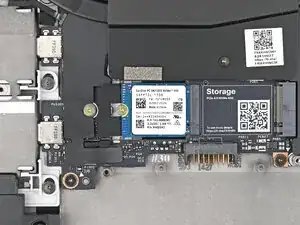
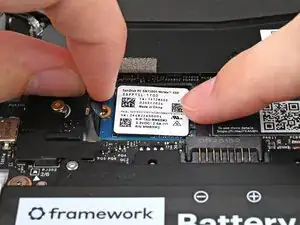
    • If you have a secondary SSD installed, follow the next two steps. Otherwise, skip here.

    • Use your Framework Screwdriver to remove the 2 mm‑long T5 Torx screw securing the secondary SSD.

  2. OUOScPtsAwl1uXjW
    OUOScPtsAwl1uXjW
    Tx3Q55OekeqPhT2J
    WPo5rbEKVisLBRkN
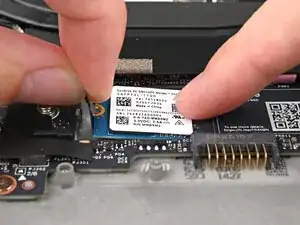
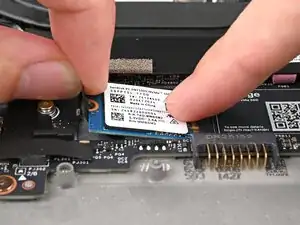
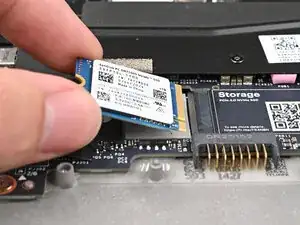
    • While pulling up on the black tab underneath the SSD, use your finger to slide the SSD out of its socket.

    • Avoid touching the gold contacts. Only press on the top label or the edges of the SSD.

Conclusion

To reassemble your device, follow these instructions in reverse order.

Alex Diaz-Kokaisl

Member since: 16/01/22

215075 Reputation

0 comments