Introduction
-
-
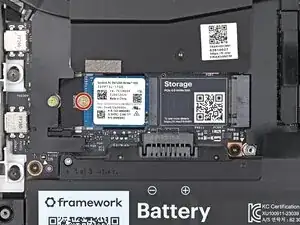
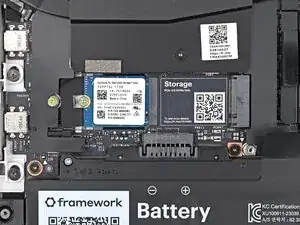
Use your Framework Screwdriver to remove the 2 mm‑long T5 Torx screw securing the secondary SSD.
-
-
-
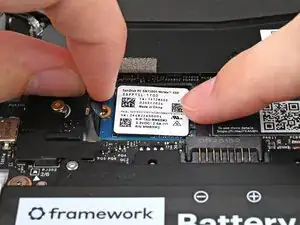
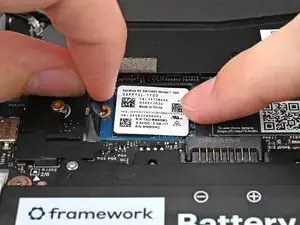
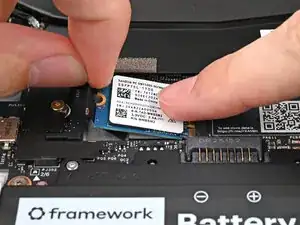
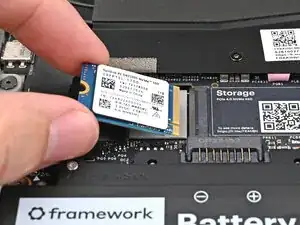
While pulling up on the black tab underneath the SSD, use your finger to slide the SSD out of its socket.
-
Conclusion
To reassemble your device, follow these instructions in reverse order.