Introduction
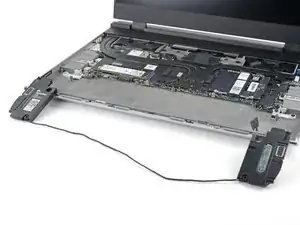
Use this guide to replace the speakers, aka "speaker kit," in your Framework 16" laptop.
The speakers are combined as a single assembly, so you must replace both even if only one speaker is damaged.
Note: the laptop used in this guide is a generic setup of one US keyboard, one numpad module, and two touchpad spacers. Your setup might vary, but the procedure should remain the same.
Tools


-
-
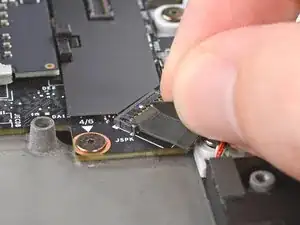
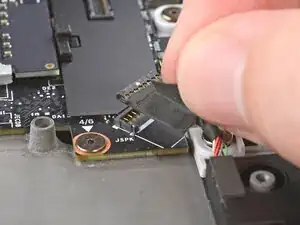
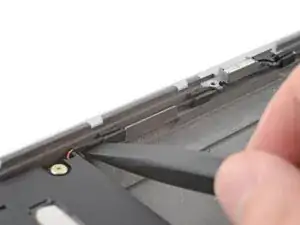
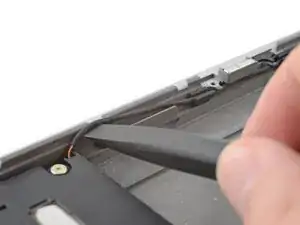
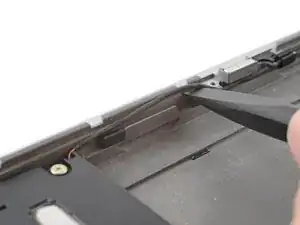
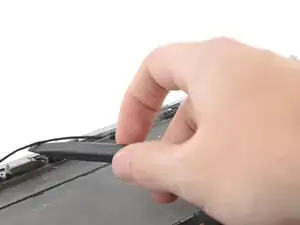
Starting at one speaker, use the flat end of a spudger, or your fingers, to lift the speaker cable out of its rubber clips.
-
-
-
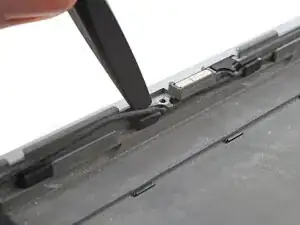
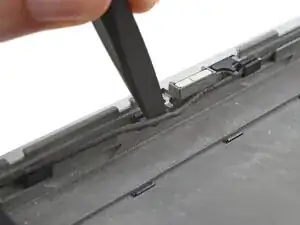
Repeat the last two steps across the length of the speaker cable until it's completely unclipped.
-
-
-
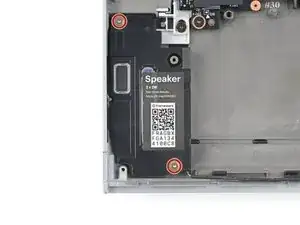
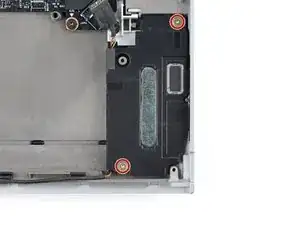
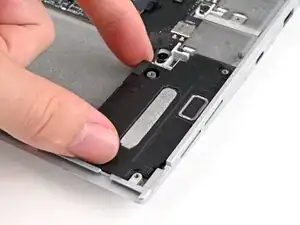
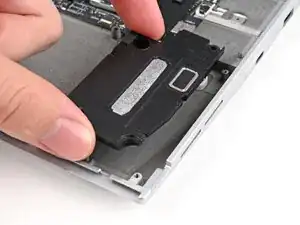
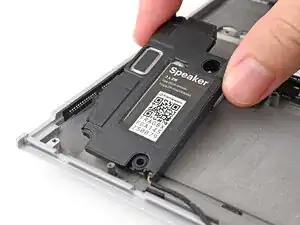
Use your Framework Screwdriver to remove the two 2.0 mm‑long T5 Torx screws securing each speaker (four in total).
-

To reassemble your device, follow these instructions in reverse order.
Take your e-waste to an R2 or e-Stewards certified recycler.
Repair didn’t go as planned? Try some basic troubleshooting, or ask our Answers Community for help.