Introduction

  1. LvmLBPKBUTePUjXS
    LvmLBPKBUTePUjXS
    HO5vfWFIKJF1AYKG
    T4KYZB3PDnrxerAr
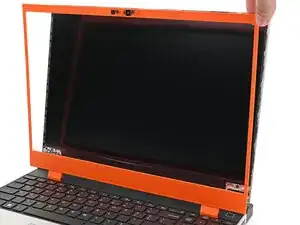
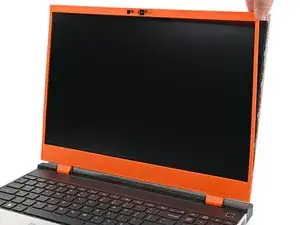
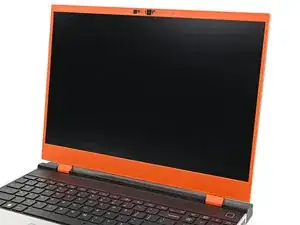
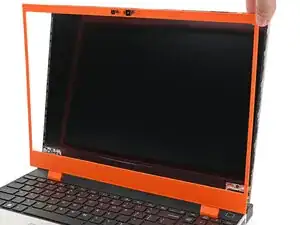
    • Align the bezel over the perimeter of the display and let the magnets pull the bezel into place.

    • The bezel should "snap" into place. If it doesn't, realign it and make sure it sits flush with the display.

  2. sTYXCfXmTQgYHweH
    sTYXCfXmTQgYHweH
    QKVBQJIm1ugWcMQD
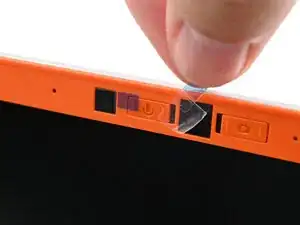
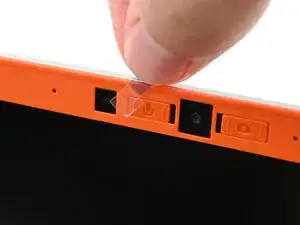
    • If there are any plastic liners covering the webcam and microphone, remove them.

Conclusion

To reassemble your device, follow these instructions in reverse order.

Repair didn’t go as planned? Try some basic troubleshooting, or ask our Answers Community for help.

Alex Diaz-Kokaisl

Member since: 16/01/22

215075 Reputation

0 comments