Introduction
This Guide will explain that, how to make sure if the Raspberry Pi 4 is properly connected to the internet using a RJ45 connector
-
-
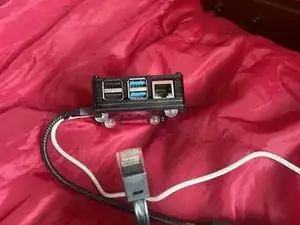
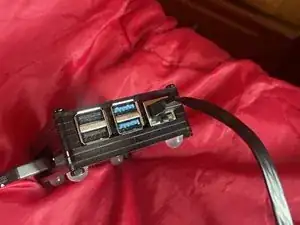
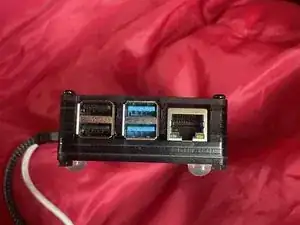
Have your Raspberry Pi 4 and connect the RJ45 cable in side available port shown in Picture that is RJ45 female connection
-
Then connect it either to a Wi-Fi box or to a Wi-Fi repeater or something else.
-
-
-
Connect the other end of the RJ45 cable to your router
-
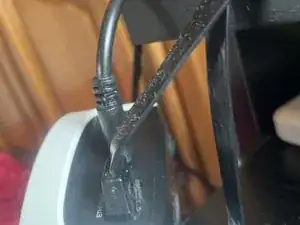
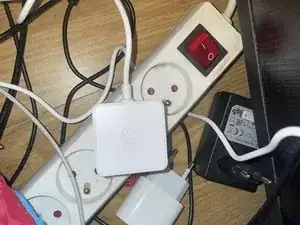
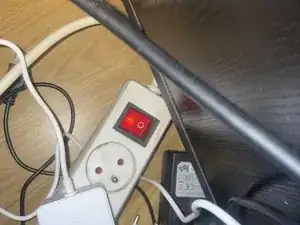
Connect the Raspberry Pi power supply to power socket safely, read the tag of required power supply voltages at your power supply before insertion into power plug
-
-
-
Make sure connections are safe, Now Turn on the power plus where you have plugged the power supply.
-
-
-
Wait for a while the Raspberry Pi to turn on properly.
-
As soon as the green and orange LEDs on the Ethernet port light at On State, that's it, the Raspberry Pi is connected to the Internet 🛜
-