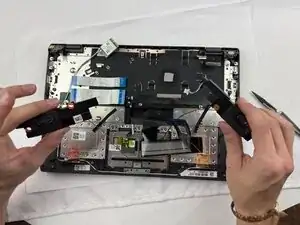
Introduction


-
-
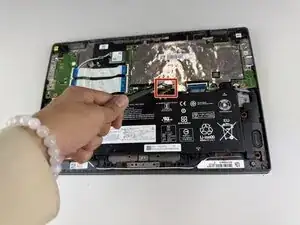
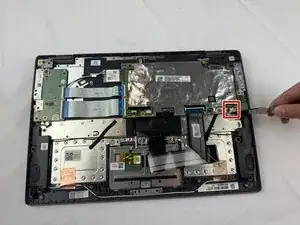
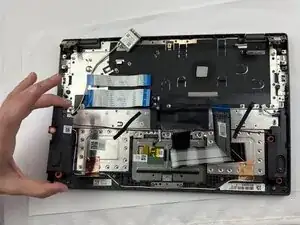
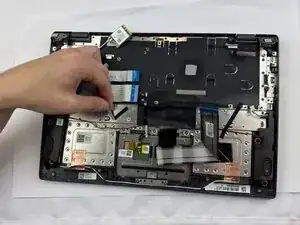
Gently disconnect the power interface using a pair of tweezers.
-
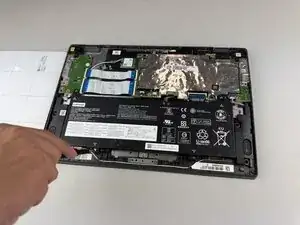
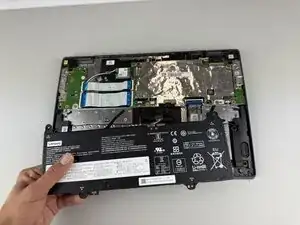
Lift the battery out of the Chromebook.
-
-
-
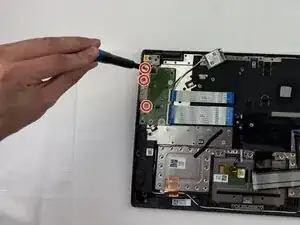
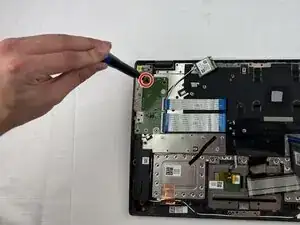
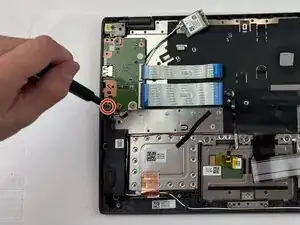
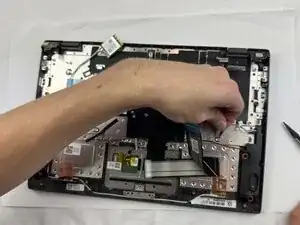
Use a Phillips #0 screwdriver to remove the three screws from the daughterboard bracket.
-
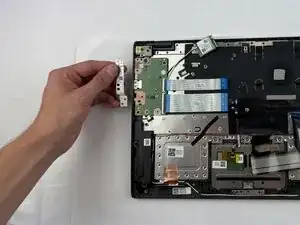
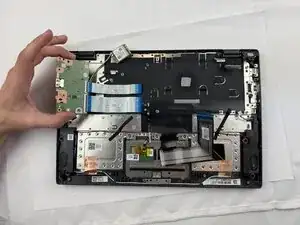
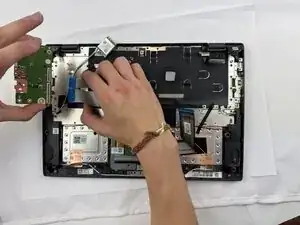
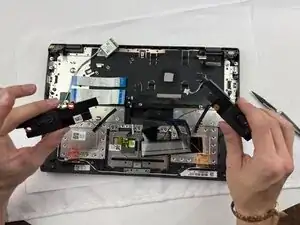
Remove the bracket.
-
Conclusion
To reassemble your device, follow these instructions in reverse order.