Introduction
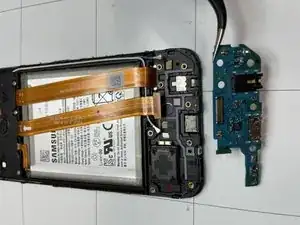
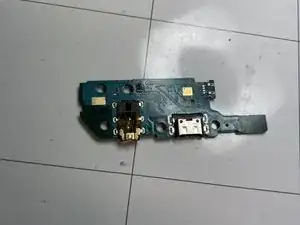
Use this guide in order to replace the charging board of your Samsung Galaxy a20e.
Before disassembling your phone, discharge the battery until it’s below 25%. The battery could catch fire and/or explode if it is accidentally punctured, but the risk becomes lower if the battery is discharged.
You will need replacement adhesive to reattach components when reassembling the device.


-
-
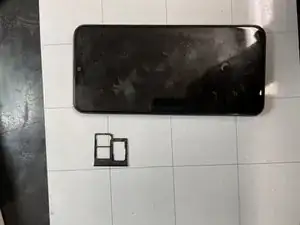
Insert a SIM eject tool, a SIM eject screwdriver tip, or a straightened paperclip into the small hole on the SIM tray on the left side of the phone.
-
Press firmly with the eject tool to eject the SIM card tray.
-
Remove the SIM card tray.
-
-
-
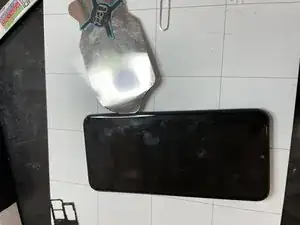
Lift the display by using a suction cup in order to create a little gap between the phone back cover and the display.
-
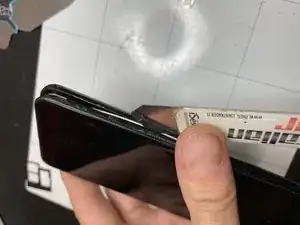
Insert a opening pick or a thin tool in the gap and slide it along the entire edge to cut the adhesive.
-
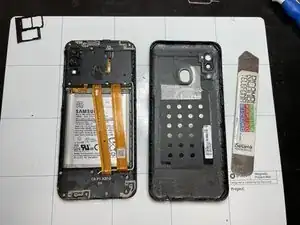
Lift the display with the help of the suction cup to separate the display from the back cover.
-
-
-
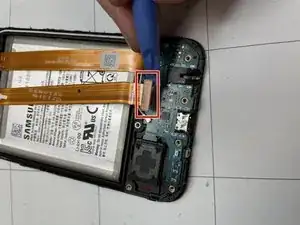
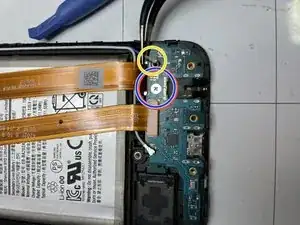
Disconnect the connector that connects the logic board.
-
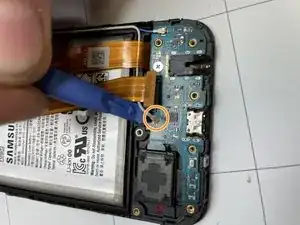
Disconnect the white wire.
-
Disconnect the blue wire.
-
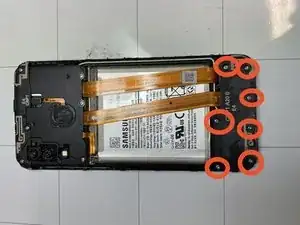
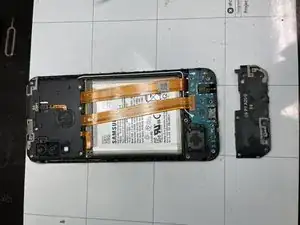
Unscrew the Philips #00 screw.
-
In order to reassemble your device, follow the instructions in reverse order.