Introduction
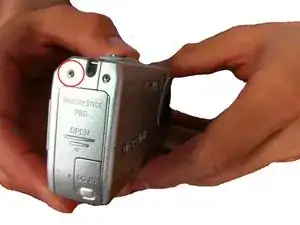
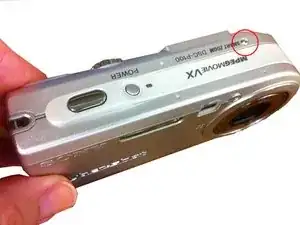
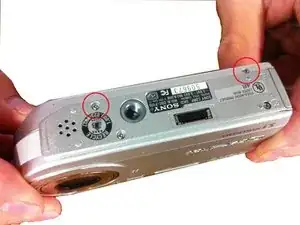
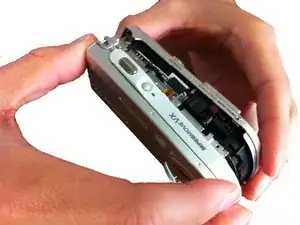
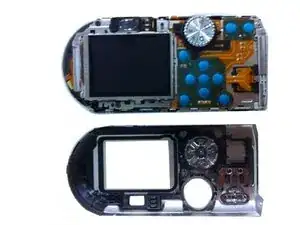
Use this guide to replace the back casing on a Sony Cyber-shot DSC-P100. If the back case is broken, or there is another internal issue, it will be useful to replace this part. After the repair, follow these instructions in the reverse order to screw the back casing on again. The only tool required for this repair is a ++Phillips #00 Screwdriver++. The screws are fairly small, so be sure to keep track of them.
Tools

Conclusion
To reassemble your device, follow these instructions in reverse order.