Introduction
This will be help guide you step by step on replacing the internal battery for the Sony SRS-XB21. Over time the battery may weaken causing the play time to be sighnificantly shorter and charging issues.


-
-
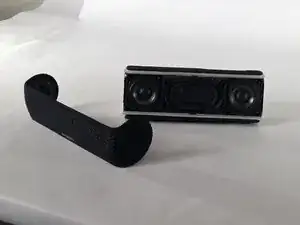
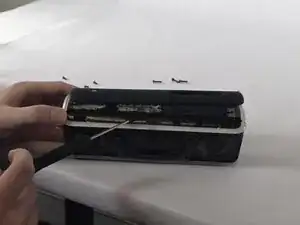
4). pry off the back panel of the speaker. There are two clips on the top and bottom of the speaker. Push each away from the center
-
-
-
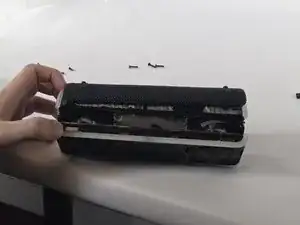
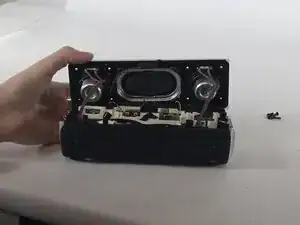
5). Pull up on the front speaker housing (BE CAUTOUS) wires are attached to the back of the housing
-
-
-
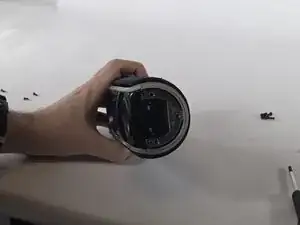
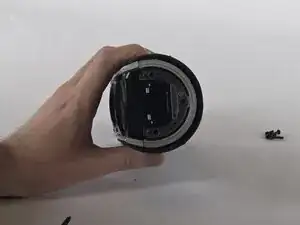
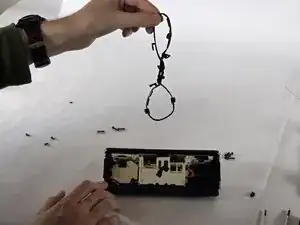
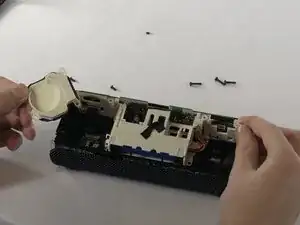
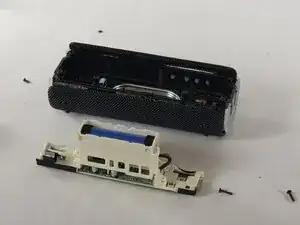
8). Disconnect the wire attached to the battery and remove the 6 screws holding the battery housing (4 on the left and 2 on the right)
-
To reassemble your device, follow these instructions in reverse order.
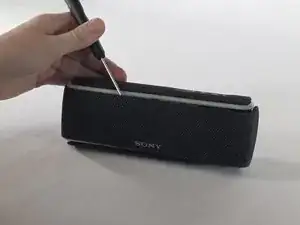
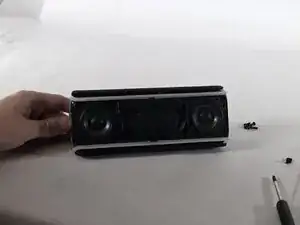
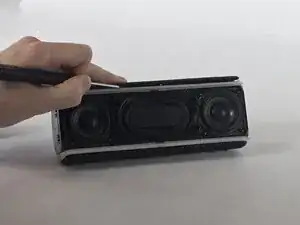
1). With the flat head pry off the front facia of the speaker
2). Remove the three screws on each side of the speaker with the Philips head
3). Remove the four screws on each corner of each speaker with a Philips head.
4). pry off the edge of the bottom and top of the outer case. There are two clips on the top and bottom of the speaker. Push each away from the center
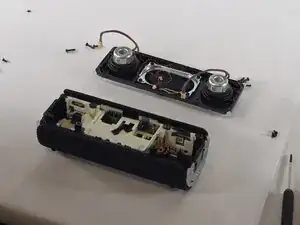
5). Pull up on the front speaker housing (BE CAUTOUS) wires are attached to the back of the housing
6). Carefully disconnect the wires and set aside the speaker housing.
7). remove the rubber gasket around the edge of the battery housing
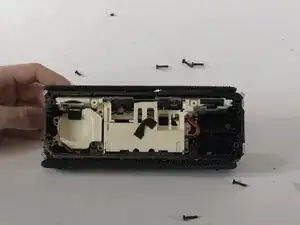
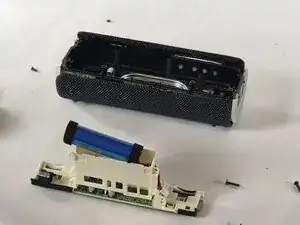
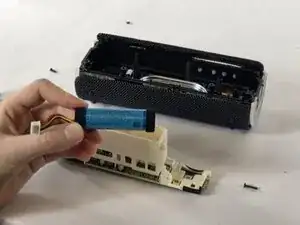
8). Disconnect the wire attached to the battery and remove the 6 screws holding the battery housing (4 on the left and 2 on the right)
9). Remove the battery housing, and replace the battery
